Key Takeaways
- Your TV’s USB port is likely underpowered, so stick to low-draw gadgets like lights and flash drives.
- Ambient backlighting reduces eye strain and actually improves picture contrast.
- Always check the amperage rating before plugging in hard drives or cooling fans.
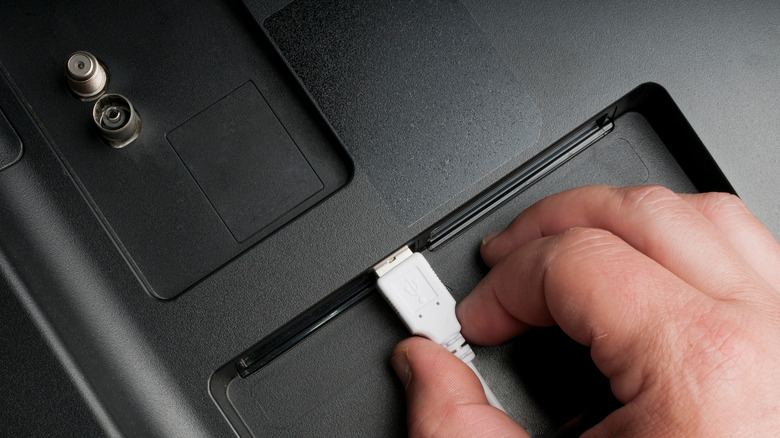
Look behind your television set. Go ahead, I’ll wait. It’s probably a dusty mess of HDMI cables and maybe a power brick or two, but sitting there quietly is usually a lonely USB port. Most people ignore it completely. They assume it’s just for service updates or that it doesn’t have enough juice to be useful.
That’s a mistake.
In my experience, that little port can solve a lot of annoying living room problems if you stop thinking of it as a computer connection and start treating it like a built-in power outlet. You just have to be smart about what you plug into it because, honestly, most TV USB ports are pretty weak. They aren’t designed to charge your iPad. But for the right gadgets? It’s a game changer.
1. USB-Powered LED Bias Lighting
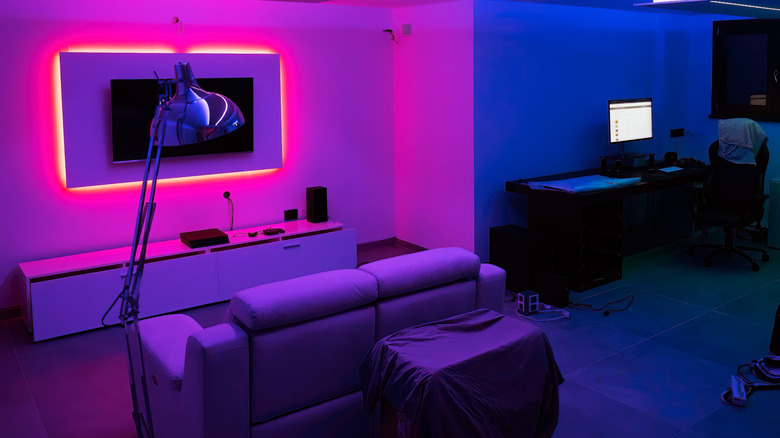
If you aren’t using bias lighting behind your TV, you’re missing out. It’s not just about aesthetics. When you have a bright screen in a pitch-black room, your eyes work overtime, leading to fatigue that you might not even notice until you have a headache.
A simple LED strip that plugs into that USB port solves this immediately. It casts a soft glow on the wall behind the set, which increases perceived contrast. The colors pop more, and your eyes relax. The best part? Since it’s hooked up to the TV’s USB port, the lights turn off automatically when you shut the TV down. No fumbling with switches. No leaving the room bathed in neon blue light because you forgot to hit the button on the power strip.
2. A Dedicated Media Drive
This is the classic use case, but people mess it up. They buy a massive 4TB external hard drive, plug it in, and get frustrated when nothing happens or the TV keeps complaining about a “power overload.”
Here’s the deal: most TV USB ports only output about 500mA to 1A. That’s enough to spin a small flash drive or a low-power SSD, but it’s not enough for a mechanical desktop drive. If you want to watch movies directly off a USB stick without streaming them, grab a high-capacity flash drive or a SSD that doesn’t need external power.
It keeps your viewing private and local. Plus, it’s incredibly fast to navigate files compared to navigating clunky smart TV interfaces. Just check your TV’s manual first to see which file formats it supports—there is nothing worse than downloading a season of a show only to find out your TV hates the file type.
3. A Low-Power Cooling Fan
Modern TVs are thin. Like, weirdly thin. While that looks great on the wall, it leaves absolutely zero room for airflow. If you game for a few hours or binge-watch a show in a hot room, your TV can get hot to the touch. Heat kills electronics faster than anything else.
There are clip-on cooling fans designed specifically for TVs that run off USB. I was skeptical of these at first, thinking they were gimmicks. But after an older plasma set of mine started shutting down from overheating, a tiny, quiet fan plugged into the back solved it.
You have to be careful here. If your TV is already struggling to deliver power, adding a fan might push it over the edge. But if you have a stable port, a little airflow can extend the life of your set significantly. It’s a cheap insurance policy.
4. Wireless Headphone or Speaker Dongles
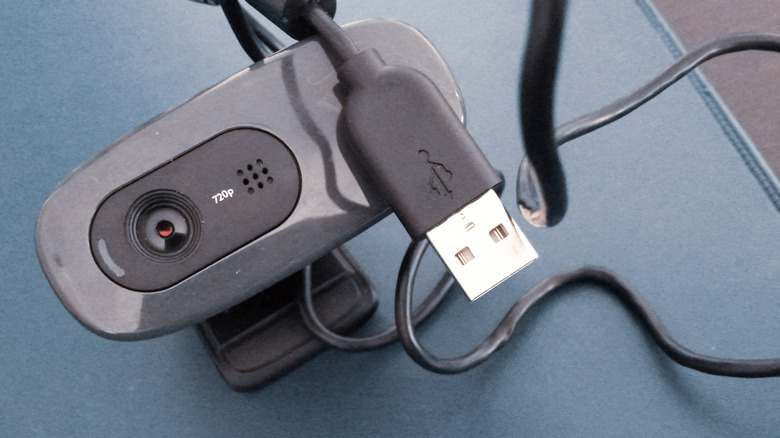
Sometimes you just want the volume up without waking up the whole house. Most modern TVs have Bluetooth, but let’s be real—the Bluetooth implementation on TVs is often terrible. Laggy audio, dropouts, and pairing issues are the norm.
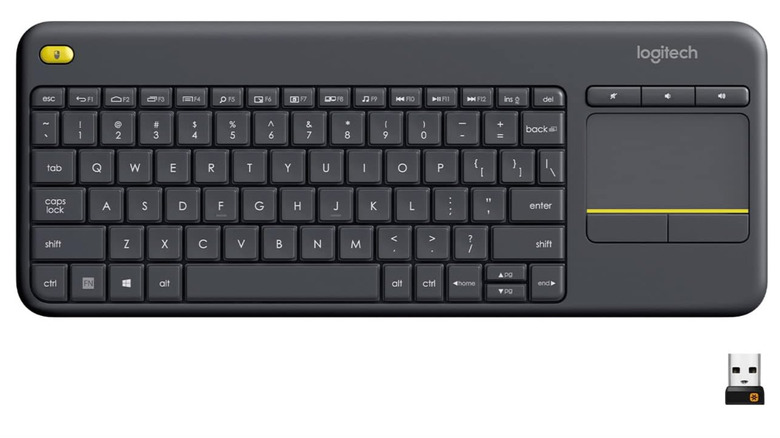
A dedicated USB dongle for a pair of wireless headphones or a small speaker system is often more stable. It draws very little power, so it plays nice with the TV’s limitations. We’ve seen similar strategies work with portable setups; as discussed in our guide on 5 Cool Gadgets That Use Your Phone’s USB Port, using a dedicated dongle can bypass a lot of the built-in headaches you get with native hardware.
This turns that USB port into a private audio station. You plug it in, it pairs instantly, and you don’t have to mess with complicated settings menus every time you want to watch a late-night movie.
5. USB Charger for Controllers

If you game on a console that sits near your TV, or if you use a universal remote, you know the pain of dead batteries. Usually, you have to snake a long charging cable all the way to the wall outlet behind your entertainment center. It’s ugly and inconvenient.
Instead, get a short USB charging cable. Just a few inches long. Plug your controller into the TV’s USB port when you’re done playing. It trickle-charges whenever the TV is on.
Is it fast? No. It won’t charge a dead controller in an hour. But if you leave it plugged in overnight while the TV is off (if the port supplies standby power) or just during a viewing session, it keeps your gear topped off without the cable clutter. This is particularly useful if you are tight on space. Much like the gear mentioned in 12 Must-Have Tech Gadgets That Will Transform Your Travel Experience, keeping your charging solutions minimal and integrated makes life much easier.
Conclusion
Don’t let that USB port gather dust. It’s not going to replace a high-speed charging station for your phone, and it certainly can’t power a blender, but for specific, low-draw accessories, it’s the perfect hidden solution.
The trick is managing expectations. Understand that it provides a small amount of power and use it for things that need exactly that—a little bit of power. Once you stop trying to make it do too much, you realize it’s one of the most underrated features on your television. Try the lights first. You won’t look back.
Source: insidertechno.com


